> ## Documentation Index
> Fetch the complete documentation index at: https://jugarmu.com/ayuda/llms.txt
> Use this file to discover all available pages before exploring further.
# ¿Cómo curo o reseteo un personaje?
> Curar / restaurar y Resetear personaje
## Miralo en la captura
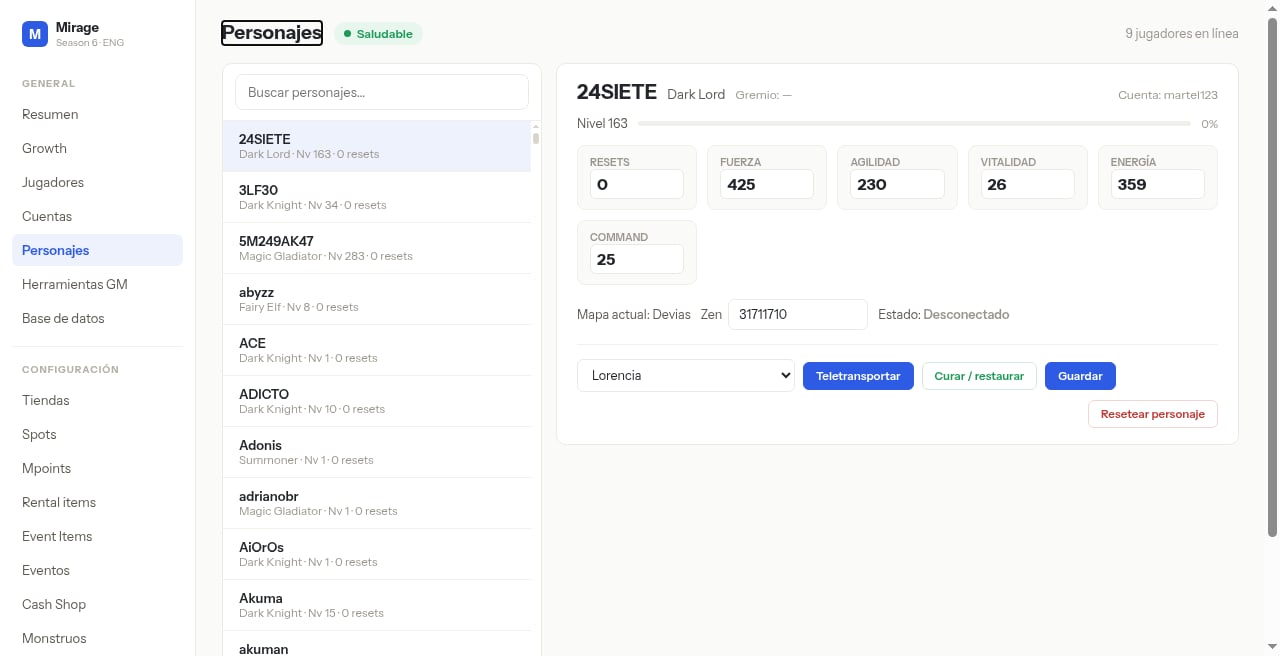
 En estas pantallas fijate en: el botón verde **Curar / restaurar** y el botón con borde rojo **Resetear personaje** (abajo a la derecha del detalle).
## Qué hacer
Seleccioná el personaje.
Pulsá **Curar / restaurar** o **Resetear personaje**.
Confirmá si el panel lo solicita.
**Resetear personaje** es una acción destructiva sobre el progreso del personaje. Confirmá antes de aplicar.
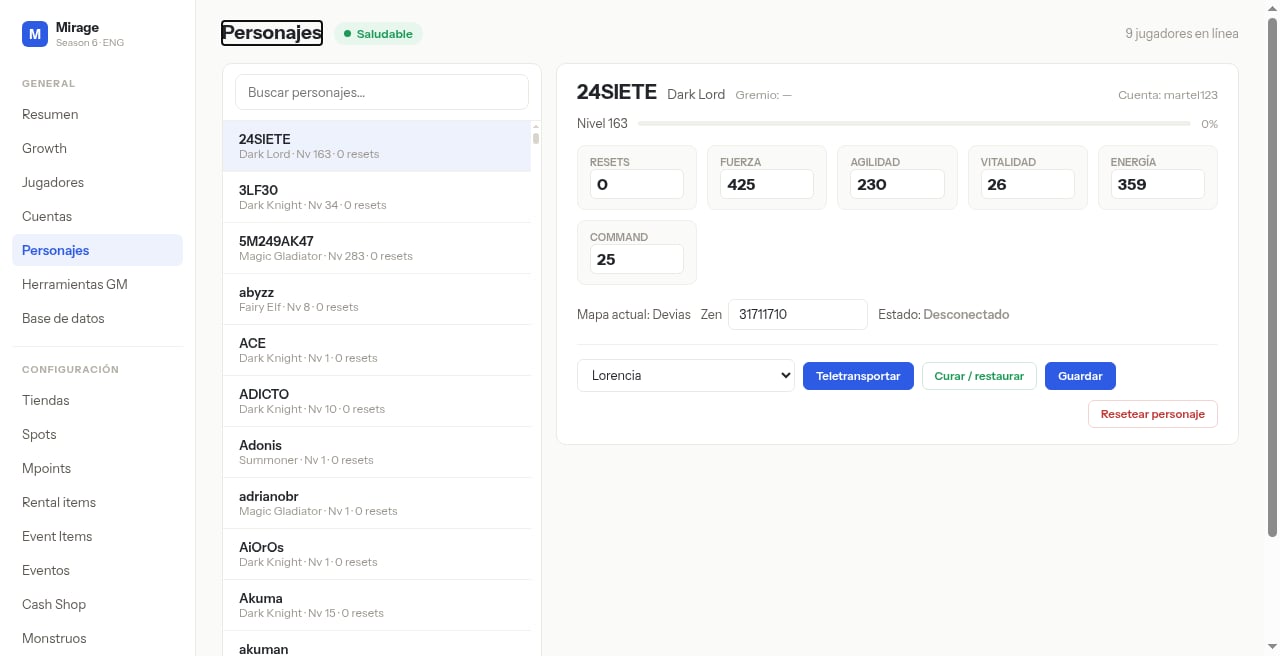
En estas pantallas fijate en: el botón verde **Curar / restaurar** y el botón con borde rojo **Resetear personaje** (abajo a la derecha del detalle).
## Qué hacer
Seleccioná el personaje.
Pulsá **Curar / restaurar** o **Resetear personaje**.
Confirmá si el panel lo solicita.
**Resetear personaje** es una acción destructiva sobre el progreso del personaje. Confirmá antes de aplicar.