> ## Documentation Index
> Fetch the complete documentation index at: https://jugarmu.com/ayuda/llms.txt
> Use this file to discover all available pages before exploring further.
# ¿Qué es la sección Monstruos?
> Lista y editor de parámetros
## Miralo en la captura
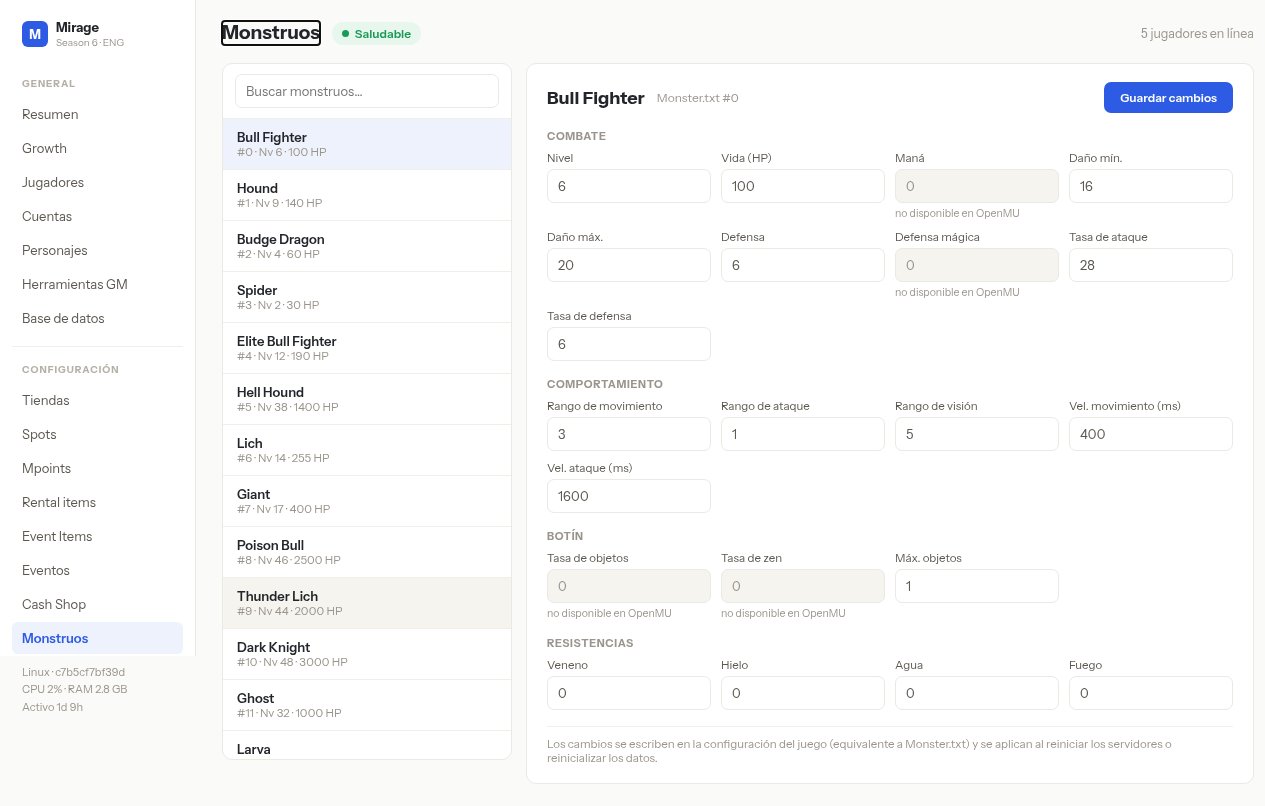
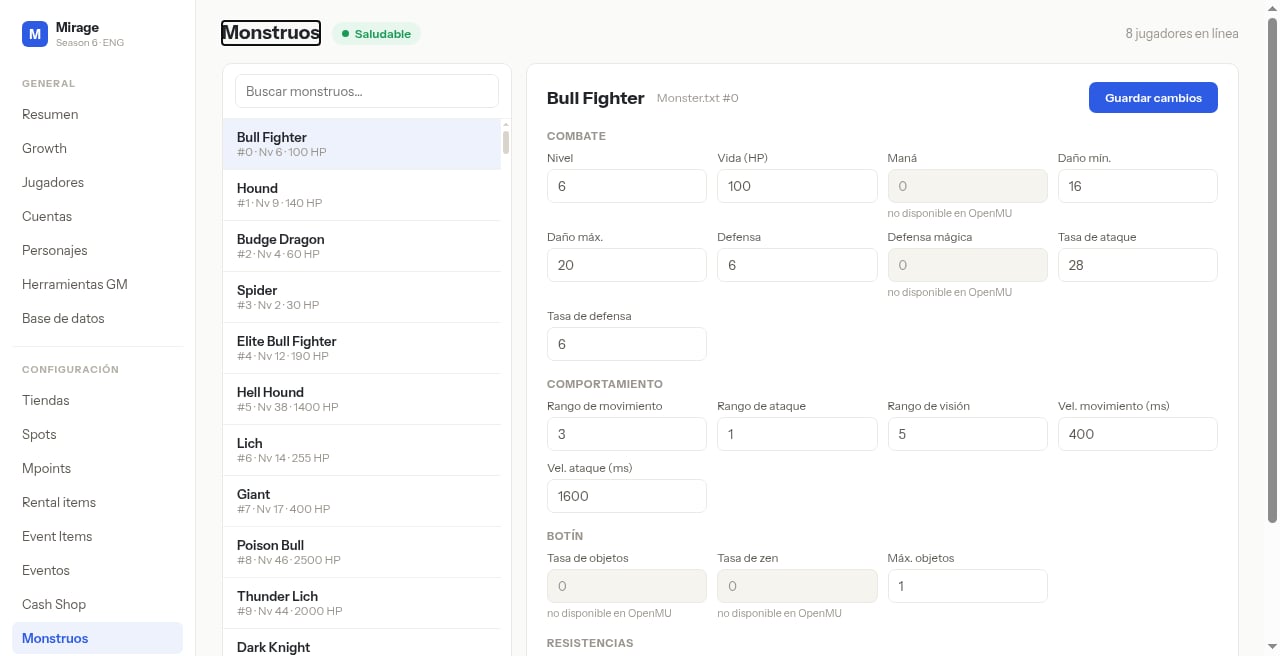 En estas pantallas fijate en: **Buscar monstruos…**, la lista y el editor (**COMBATE**, **COMPORTAMIENTO**, **BOTÍN**, **RESISTENCIAS**, **Guardar cambios**).
## Qué hacer
Andá a **CONFIGURACIÓN → Monstruos**.
Seleccioná un monstruo para ver y editar sus parámetros.
En estas pantallas fijate en: **Buscar monstruos…**, la lista y el editor (**COMBATE**, **COMPORTAMIENTO**, **BOTÍN**, **RESISTENCIAS**, **Guardar cambios**).
## Qué hacer
Andá a **CONFIGURACIÓN → Monstruos**.
Seleccioná un monstruo para ver y editar sus parámetros.